


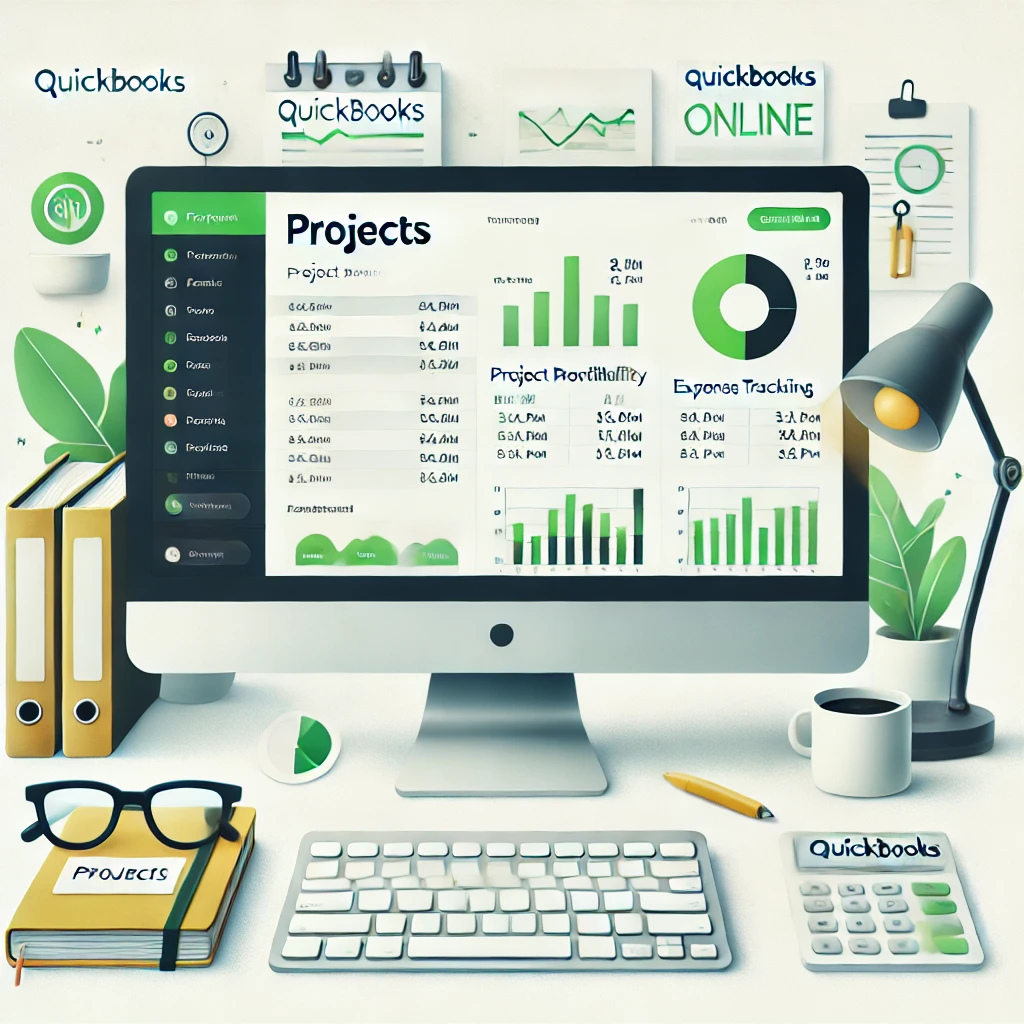
Boost Your Financial Management with QuickBooks Online Projects
Introduction
Managing multiple projects can be challenging for small business owners. From tracking expenses to ensuring profitability, staying organized is essential. Luckily, QuickBooks Online offers the Projects feature, a powerful tool to streamline financial tracking for all your projects in one place.
In this blog, we’ll dive into how Projects works and how it can transform the way you manage your business finances.
What Is the Projects Feature in QuickBooks Online?
The Projects feature in QuickBooks Online allows you to track income, expenses, and profitability for specific projects or jobs. This tool is ideal for businesses managing multiple clients, contractors, or tasks that require close monitoring of financial performance.
Key Benefits:
- Centralized financial tracking for each project.
- Improved profitability analysis.
- Easy-to-use interface that integrates seamlessly with other QuickBooks features.
How to Set Up a Project in QuickBooks Online
Getting started is simple. Here’s a step-by-step guide:
- Activate the Projects Feature
- Navigate to Settings (gear icon).
- Click Advanced Settings and enable Projects.
- Create a New Project
- Go to the Projects tab in the left-hand menu.
- Click New Project, enter the project name, and associate it with a customer.
- Assign Transactions to the Project
- Link expenses, invoices, and time entries directly to the project for real-time tracking.
Features That Make Projects a Game-Changer
- Budget Management:
Set financial goals for your projects and monitor performance against the budget. - Real-Time Profitability Tracking:
See a breakdown of income and expenses to determine if the project is profitable. - Time Tracking Integration:
If you bill by the hour, Projects can integrate with QuickBooks’ time tracking tools to ensure accurate invoicing. - Detailed Reporting:
Generate reports like Project Profitability or Unbilled Time to get a clear picture of your financial health.
Who Can Benefit from QuickBooks Projects?
This feature is perfect for:
- Freelancers managing multiple clients.
- Construction businesses tracking individual jobs.
- Creative agencies working on campaigns or projects.
- Service-based businesses tracking billable hours and expenses.
Tips for Maximizing the Projects Feature
- Regularly review profitability reports to identify areas for improvement.
- Assign every transaction to the correct project to ensure accuracy.
- Use the budgeting tool to plan future projects more effectively.
Why Choose QuickBooks for Your Business?
QuickBooks Online is more than an accounting tool; it’s a complete financial management solution. With features like Projects, you can focus on growing your business while keeping your finances organized.
Need Help Setting Up QuickBooks Projects?
At Carlos Quiceno Financial Services, we specialize in helping small businesses maximize their QuickBooks tools. From initial setup to ongoing bookkeeping and financial advice, we’re here to help you succeed.
📞 Contact us today to get started!